
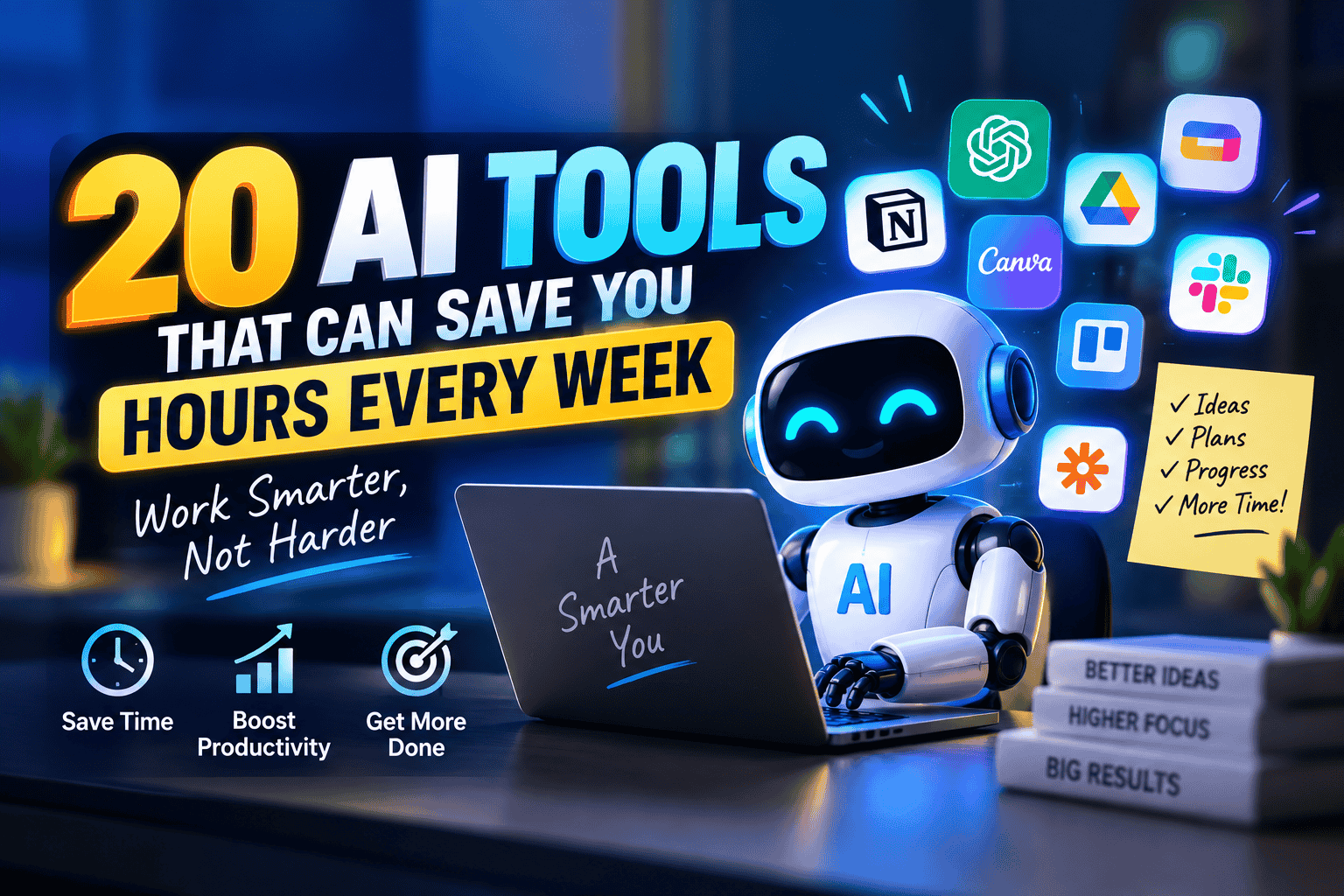
The right AI tools that can save you hours every week do not need to replace your work to be useful. Their real value is removing repetitive tasks that quietly consume time: sorting information, summarizing documents, organizing meetings, cleaning data, creating visuals, managing projects, and handling routine communication. This guide looks at 20 practical tools across those categories, with a focus on what each tool does well, where it fits, and what to consider before relying on it.
20 AI Tools That Can Save You Hours Every Week
The best productivity tools are not necessarily the ones with the largest feature lists. A tool becomes genuinely valuable when it removes a recurring bottleneck from your normal week.
Here are 20 options worth knowing.
1. ChatGPT — General-Purpose Work Assistant
OpenAI’s ChatGPT can help with research, brainstorming, summarization, drafting, data analysis, planning, coding, and many other knowledge-work tasks.
Its biggest advantage is flexibility. Instead of maintaining a separate tool for every small task, you can use one workspace for many different workflows.
Useful for: research, writing, analysis, brainstorming, learning, coding, planning.
Watch out for: Important factual, financial, legal, or business information should still be reviewed before being used.
2. Microsoft Copilot — Productivity Inside Microsoft 365
Microsoft Copilot is designed to work alongside Microsoft's productivity ecosystem. Depending on the version and connected services, it can assist with documents, spreadsheets, presentations, email, and other workplace tasks.
For people already spending most of their day in Microsoft 365, reducing the need to move information between different applications can itself save considerable time.
Useful for: Word, Excel, PowerPoint, Outlook, workplace productivity.
3. Google Gemini — Research and Workspace Assistance
Google Gemini can assist with writing, analysis, research, and tasks connected to Google's ecosystem, depending on the available plan and integrations.
It can be particularly useful for people whose work already revolves around Google services.
Useful for: research, brainstorming, document work, summaries, Google Workspace workflows.
4. Perplexity — Faster Research and Source Discovery
Perplexity combines conversational answers with web search and source references.
Instead of opening numerous search results and manually piecing together basic information, you can use it to create an initial research map and then inspect the underlying sources.
Useful for: research, comparisons, current information, source discovery.
A good habit is to open important sources rather than treating a generated summary as the final authority.
5. Grammarly — Faster Editing and Proofreading
Grammarly can identify grammar, spelling, punctuation, clarity, and style issues while you write.
It is especially useful for people who send many emails, prepare reports, or write professional documents in English.
Useful for: proofreading, professional communication, grammar correction.
The goal should be clearer writing, not making every sentence sound identical.
6. Notion AI — Turning Notes Into Usable Information
Notion combines notes, databases, project management, and AI-assisted features.
If your work involves scattered meeting notes, project information, task lists, and internal documentation, having those materials in one organized workspace can reduce repeated searching.
Useful for: notes, project documentation, summaries, knowledge management.
7. Otter.ai — Meeting Transcription and Summaries
Otter.ai can transcribe meetings and help turn conversations into searchable notes.
For someone attending several meetings each week, manually reconstructing what was discussed can become a surprisingly large time expense.
Useful for: meeting notes, transcripts, action items, interviews.
Always consider the privacy and consent requirements applicable to recording or transcribing meetings.
8. Zapier — Automating Repetitive Workflows
Zapier connects different applications so that actions can happen automatically.
For example, a new form submission could trigger a notification, create a record in another system, and start a follow-up workflow without someone manually copying the information.
Useful for: repetitive workflows, notifications, data movement, lead management.
The greatest savings often come from automating tasks you perform repeatedly rather than complicated one-off processes.
9. Canva — Faster Visual Content Creation
Canva provides templates and AI-assisted design features for presentations, social graphics, documents, and marketing materials.
Someone who is not a professional designer can create polished visual material without starting every project from a blank canvas.
Useful for: presentations, social media graphics, posters, thumbnails, simple marketing designs.
10. Adobe Firefly — Creative Design Assistance
Adobe Firefly provides generative features within Adobe's creative ecosystem.
It can help with certain image and design tasks that would otherwise require repetitive editing steps.
Useful for: creative concepts, image modifications, design workflows.
For commercial projects, always check the current licensing and usage terms applicable to the particular feature and asset.
11. Descript — Editing Audio and Video Through Text
Descript uses transcription as part of its editing workflow.
This can make certain editing tasks feel more like editing a document. Removing words or sections from a transcript can correspond to changes in the associated media.
Useful for: podcasts, interviews, educational videos, video editing.
12. Fireflies.ai — Meeting Intelligence
Fireflies.ai can record and transcribe supported meetings and organize conversation information.
For teams that frequently need to revisit discussions, searchable transcripts can reduce the time spent asking colleagues to repeat information.
Useful for: meetings, transcripts, searchable discussions, follow-ups.
13. ClickUp — AI-Assisted Project Management
ClickUp combines tasks, documents, project organization, and AI-assisted productivity features.
It can help teams turn information into tasks, summarize project material, and keep work organized in one environment.
Useful for: project management, task planning, team collaboration.
14. Asana — Organizing Team Work
Asana focuses on work management and project coordination.
AI-assisted features can help with aspects of planning, summarizing, and organizing work, while the broader platform provides structure for projects and responsibilities.
Useful for: team projects, deadlines, task ownership, project coordination.
15. Otterly.ai — Monitoring Search Visibility
Otterly.ai focuses on monitoring how brands and content appear in AI-generated search experiences.
For businesses working on digital visibility, automated monitoring can reduce the need to repeatedly perform manual checks.
Useful for: AI search visibility monitoring, brand tracking, SEO research.
Because search behavior and AI-generated results change, monitoring tools should be treated as measurement aids rather than permanent guarantees.
16. GitHub Copilot — Faster Software Development
GitHub Copilot can assist developers while they write and work with code.
It can suggest code, explain existing code, help with repetitive programming tasks, and support exploration of unfamiliar technical problems.
Useful for: programming, debugging assistance, code explanation, repetitive development work.
Developers still need to review generated code for correctness, security, maintainability, and compatibility.
17. OtterPilot — Automated Meeting Workflows
Meeting-focused automation can be especially valuable when a person's schedule is dominated by conversations rather than individual tasks.
Tools in this category can help capture discussions, create searchable records, and surface follow-up information.
Useful for: recurring meetings, interviews, team discussions, follow-up documentation.
The important point is not the transcript itself. The time saving comes from avoiding hours of manual note-taking and reconstruction.
18. Todoist — Smarter Task Organization
Todoist is primarily a task-management platform, but its intelligent features can help users organize and prioritize work more efficiently.
A task system is most useful when it reduces the mental effort required to remember everything.
Useful for: personal tasks, recurring work, priorities, reminders.
19. Motion — Automated Calendar and Task Planning
Motion combines calendars, tasks, and scheduling to help users organize their working time.
This approach can be useful for people who repeatedly struggle to decide when unfinished tasks should actually happen.
Useful for: scheduling, time blocking, task planning, deadline management.
Automation works best when your deadlines and priorities are kept accurate.
20. ElevenLabs — Voice and Audio Production
ElevenLabs provides tools for generating and working with synthetic voices and audio.
For appropriate projects, this can reduce the time involved in producing certain voice-based materials.
Useful for: voiceovers, audio projects, localization, prototypes.
Always ensure you have the necessary rights and permissions when using voices, especially when working with identifiable individuals.
How to Choose the Right AI Tool
Having 20 tools available does not mean you should install 20 tools.
In fact, maintaining too many productivity applications can create another problem: information becomes scattered across platforms, subscriptions become harder to manage, and employees spend time learning systems instead of doing their actual work.
A better approach is to identify your biggest recurring time drains.
Start With Repetitive Tasks
Write down everything you do during a normal week.
Look for tasks such as:
- Summarizing long documents
- Writing similar emails
- Taking meeting notes
- Moving information between applications
- Creating recurring reports
- Organizing project tasks
- Editing videos
- Producing simple graphics
- Searching for information
- Cleaning or analyzing data
Then ask whether the task requires human judgment or mainly involves repetitive processing.
The second category is often where automation has the clearest value.
Consider Your Existing Software
A new tool is not always better than a feature already available in software you use.
For example, someone working primarily in Microsoft 365 may benefit more from Microsoft-focused assistance than from creating an entirely separate workflow. The same principle applies to Google Workspace, Adobe products, project-management platforms, and development environments.
Calculate the Actual Time Saved
Suppose a task takes 30 minutes and you perform it five times per week.
That is 2.5 hours every week.
If a tool reduces the task to 10 minutes, the theoretical saving is about 100 minutes per week.
That calculation is more useful than choosing software simply because it is popular.
Check Privacy Before Connecting Data
Productivity often requires access to sensitive information.
Before connecting an application to email, company documents, customer information, calendars, or internal systems, review its current privacy policy, permissions, data controls, retention practices, and organizational requirements.
Convenience should not automatically override confidentiality.
How to Get the Most Time Savings
The biggest productivity gains usually come from redesigning a workflow rather than simply adding software.
Automate the First Draft, Keep Human Review
For many tasks, the fastest workflow is:
Input → automated first pass → human review → final result
For example, meeting software can create a transcript, but a person can verify the important decisions and assign the correct responsibilities.
This keeps automation focused on speed while retaining human judgment where it matters.
Build Repeatable Workflows
If you perform the same task every Monday, don't treat it as a new problem every Monday.
Create a repeatable process.
A weekly report might follow this pattern:
- Collect the data.
- Clean the information.
- Generate an initial summary.
- Review important numbers.
- Add business context.
- Publish the final report.
Once the process is stable, automation can handle suitable steps.
Measure Results for a Few Weeks
Don't assume a tool is saving time simply because it feels faster.
Track:
- Time spent before implementation
- Time spent afterward
- Number of manual steps removed
- Errors or corrections required
- Subscription cost
- Frequency of use
A tool that saves 20 minutes but creates 15 minutes of cleanup may not be providing much real value.
Common Mistakes to Avoid
Using Too Many Tools
Every new application creates another interface, account, notification system, and source of information.
Start with one or two genuine bottlenecks.
Automating a Bad Process
Automation makes an inefficient process faster, but it does not necessarily make the process better.
Before automating, simplify the workflow.
Trusting Outputs Without Review
Automated systems can misunderstand context, produce incorrect information, or miss important details.
Review matters most when the result affects customers, finances, legal obligations, security, or important business decisions.
Ignoring the Learning Curve
A sophisticated tool can look impressive while being impractical for your actual routine.
A simple application used every day can deliver more value than a powerful platform that nobody uses consistently.
Paying for Features You Don't Need
Before subscribing, identify the specific problem you want to solve.
If you cannot describe the task clearly, it is difficult to determine whether the software is worth the cost.
Conclusion
The most useful AI tools that can save you hours every week are not necessarily the newest or most powerful products. They are the ones that remove recurring friction from work you already perform.
A researcher might save time by speeding up information discovery. A manager might reduce meeting-note work. A designer could shorten repetitive production tasks. A developer might reduce routine coding work. A small business owner may benefit most from connecting several repetitive workflows.
The practical starting point is simple: identify one task that repeatedly consumes your time, measure how long it takes, and find a tool that can handle part of the process without compromising quality or privacy.
The objective is not to use more technology. It is to spend less time on low-value repetition and more time on work that actually requires your attention.


Comments (0)
No comments yet. Be the first to share your thoughts!
Join the Conversation
Share your perspective, ask questions, and connect with other readers on this story.